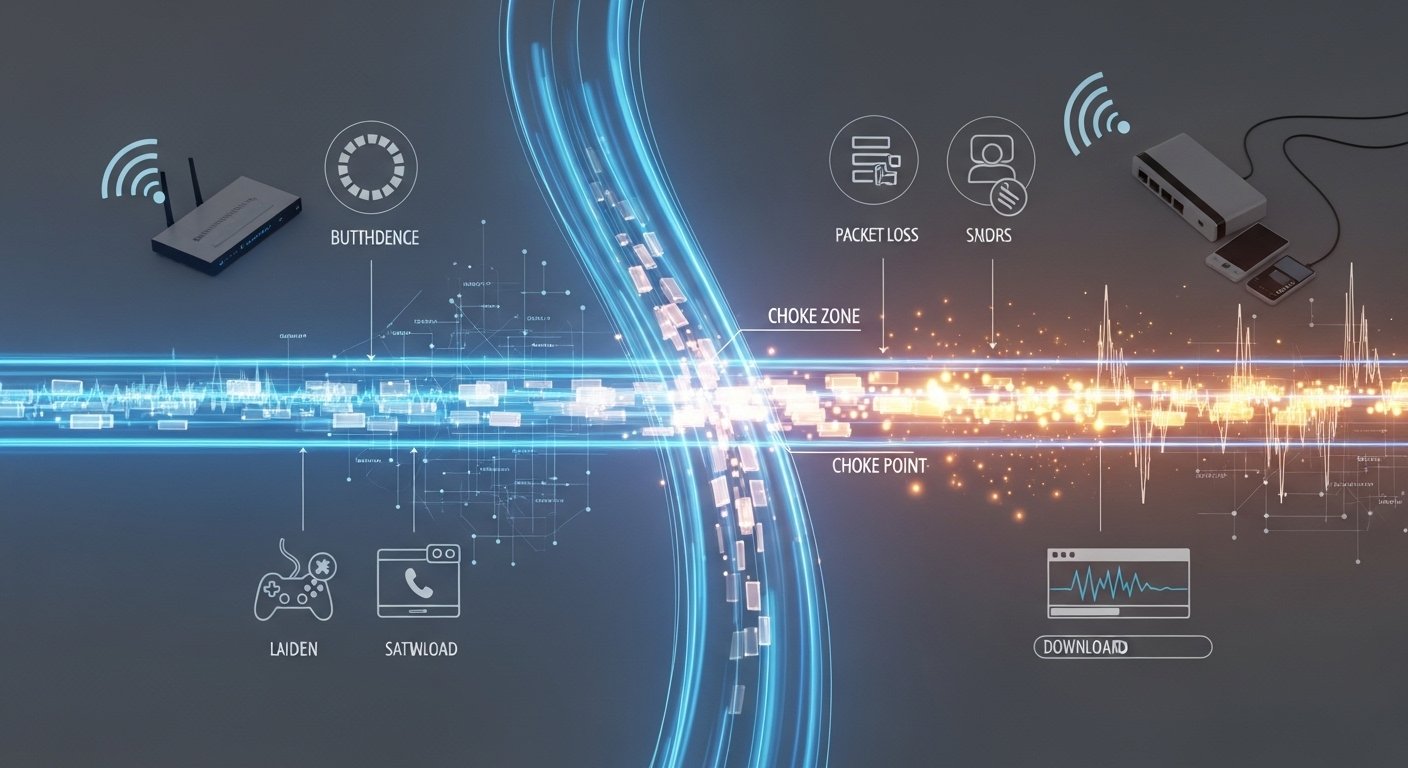
The term “internet chocks” refers to sudden, temporary disruptions, slowdowns, or bottlenecks in your internet connection that interrupt smooth online experiences. These aren’t complete outages but frustrating interruptions like buffering, lag, or brief freezes. The phrase appears in various online discussions and articles from around 2025 onward, describing everyday connectivity hiccups caused by factors like network congestion, interference, or throttling.
This comprehensive guide explores what internet chocks mean, their history, technical causes, real-world effects, identification methods, fixes, and future outlook. Whether you’re dealing with frozen video calls or laggy gaming, understanding these issues helps maintain reliable connectivity in our increasingly digital world.
What Does “Internet Chocks” Mean?
Simple Definition
Internet chocks are temporary bottlenecks or restrictions in data flow over the internet, leading to sudden slowdowns or interruptions. Think of them as “choking” your connection momentarily—data packets get delayed, lost, or queued up, causing noticeable performance dips without fully disconnecting you.
They differ from:
- Full internet outage: Complete loss of connection (no signal or “no internet” error).
- Temporary latency spike: A brief ping increase (e.g., from 20ms to 200ms) that might not cause visible issues unless in real-time apps.
- Consistent slow speed: Ongoing low performance due to plan limits.
Internet chocks are episodic and often resolve themselves but recur under similar conditions.
How Internet Chocks Work (Technical Explanation)
Data travels as packets across networks—from your device through your router, ISP, backbone providers, to servers. Chocks occur when this flow hits a bottleneck.
Common triggers include:
- Network congestion: Too many packets overwhelm a link, like rush-hour traffic.
- Packet loss: Routers drop packets when queues overflow, forcing retransmissions and delays.
- Bandwidth limits: Caps or throttling restrict throughput.
Analogy: Imagine a highway (your internet pipe) where cars (packets) flow smoothly until an accident or too many vehicles cause a jam—traffic slows, some cars exit (lost packets), and backups form.
Common Symptoms Users Experience
- Buffering icons during Netflix or YouTube streams.
- Lag spikes in online games (e.g., rubber-banding or delayed actions).
- Dropped or choppy VoIP/Zoom calls.
- Frozen video in Google Meet or Microsoft Teams.
- Slow-loading websites or apps timing out briefly.
These disrupt productivity and entertainment, especially in bandwidth-heavy activities.
The Origin and History of the Term “Internet Chocks”
Early Internet Performance Problems
Internet slowdowns date back to the 1980s-1990s. In October 1986, the early NSFNET backbone suffered “congestion collapse,” dropping from 32 kbit/s to 40 bit/s due to overwhelming traffic—highlighting network congestion early on.
Dial-up modems (56 kbps max) faced constant bottlenecks from limited bandwidth and shared lines.
Evolution of Network Bottlenecks
As broadband grew in the 2000s, streaming (YouTube 2005, Netflix streaming 2007), online gaming, and cloud services increased demand. This led to more frequent congestion during peak hours.
The rise of smartphones and IoT devices further strained networks.
How the Term Appeared in Online Discussions
“Internet chocks” emerged in tech forums, gaming communities, and troubleshooting blogs around 2025, often as a colloquial or stylized term for choking-like interruptions. It’s similar to “choke points” in networking but user-focused.
Compared to:
- “Internet lag” (high latency).
- “Network congestion” (technical term).
- “Connection throttling” (ISP-specific).
It gained traction for describing sudden, choke-like failures.
Why the Term Became More Relevant in the Remote Work Era
The COVID-19 pandemic exploded video conferencing (Zoom usage surged 300%+ in 2020), remote tools, and cloud reliance. With millions working from home, even minor chocks disrupted meetings and productivity. By 2025, remote work stabilized at ~22-23% of the U.S. workforce (over 36 million people), amplifying the need for stable connections.
The Technical Causes Behind Internet Chocks
Network Congestion
Peak times (evenings, weekends) overload local nodes or ISP backbones. Shared bandwidth in neighborhoods causes slowdowns.
ISP Throttling and Data Caps
ISPs may throttle heavy users (e.g., streaming, torrents) or after data caps to manage load. This is legal in many cases for congestion or caps.
Outdated Routers and Poor Hardware
Old routers lack support for modern standards, leading to bottlenecks. Unupdated firmware misses performance fixes.
Wi-Fi Interference and Signal Weakness
Microwaves, cordless phones, thick walls, or distance weaken signals, causing packet loss.
Too Many Connected Devices
Smart homes with 20+ devices compete for bandwidth.
Weather Effects on Certain Internet Types
Satellite (e.g., older services) or fixed wireless degrades in storms.
How Internet Chocks Affect Daily Digital Activities
Remote Work and Business Productivity
Interrupted Zoom calls, failed file uploads, and delayed collaboration reduce efficiency. Studies show poor connections limit remote work adoption.
Online Gaming and Real-Time Applications
High latency/packet loss creates unfair disadvantages in competitive play.
Streaming Entertainment
Netflix/YouTube auto-reduces quality or buffers endlessly.
Online Education and Telemedicine
Dropped classes or interrupted doctor consultations affect learning and health.
How to Identify Internet Chocks in Your Network
Running Internet Speed Tests
Use Ookla Speedtest or Fast.com—compare results to your plan during issues.
Monitoring Network Latency
Ping google.com repeatedly (Command Prompt: ping -t google.com). Look for spikes or loss.
Checking Router Performance
Access router dashboard for connected devices, logs, and firmware status.
Testing Wired vs Wireless Connections
Switch to Ethernet—if stable, Wi-Fi is the issue.
Proven Solutions to Fix Internet Chocks
Optimize Router Placement
Central location, elevated, away from microwaves/walls.
Upgrade to Modern Networking Hardware
Wi-Fi 6/6E routers or mesh systems improve coverage/speed.
Enable Quality of Service (QoS)
Prioritize video/gaming traffic in router settings.
Reduce Bandwidth Overload
Limit downloads, schedule heavy tasks.
Switch to Wired Connections
Ethernet offers stability for critical devices.
Adjust DNS Settings
Use Google (8.8.8.8) or Cloudflare (1.1.1.1) for faster resolution.
Contact Your ISP for Network Upgrades
Ask about throttling, upgrades, or line checks.
Advanced Network Optimization Strategies
Using VPNs to Avoid ISP Throttling
VPNs encrypt traffic, hiding patterns from ISPs.
Implementing Smart Bandwidth Management
Tools like router apps monitor/prioritize devices.
Upgrading to Fiber or High-Speed Broadband
Fiber reduces congestion with higher capacity.
Internet Chocks in Mobile Networks
Mobile Data Congestion in Urban Areas
Overloaded towers cause slowdowns during peaks.
5G vs 4G Performance Differences
5G offers lower latency/higher speeds, but congestion persists in dense areas.
Why Mobile Networks Experience Similar Bottlenecks
Shared spectrum and high user density mirror home issues.
The Broader Impact of Internet Chocks on Society
Economic Consequences for Businesses
Lost productivity from interruptions costs billions annually.
Digital Inequality and Infrastructure Gaps
Rural areas lag behind urban in speed/reliability.
Dependence on Reliable Internet in Modern Life
Education, healthcare, and work increasingly require stable connections.
Future Technologies That May Reduce Internet Chocks
AI-Powered Network Optimization
Smart allocation predicts/redirects traffic.
Satellite Internet Improvements
Low-Earth orbit (e.g., Starlink) reduces latency.
Expansion of Fiber Infrastructure
Global rollout promises higher speeds/less congestion.
Frequently Asked Questions About Internet Chocks
What exactly causes internet chocks? Primarily congestion, throttling, interference, hardware limits, or overload.
Are internet chocks the same as internet lag? Similar but chocks emphasize sudden choke-like interruptions; lag is high latency.
Can a VPN stop internet throttling? Often yes, by masking usage—though not always for congestion.
Why does my internet slow down at night? Peak usage congestion in your area.
How can I check if my ISP is throttling my connection? Run speed tests with/without VPN or during heavy use; compare to plan.
Final Thoughts: Why Understanding Internet Chocks Matters
Internet chocks stem from congestion, hardware, ISP practices, and more—but many are fixable with optimization, upgrades, and monitoring. In a world reliant on digital connectivity for work, learning, and entertainment, proactive steps ensure reliability. As technologies like AI networks, advanced satellite, and fiber expand, chocks should diminish—but until then, informed users stay ahead.